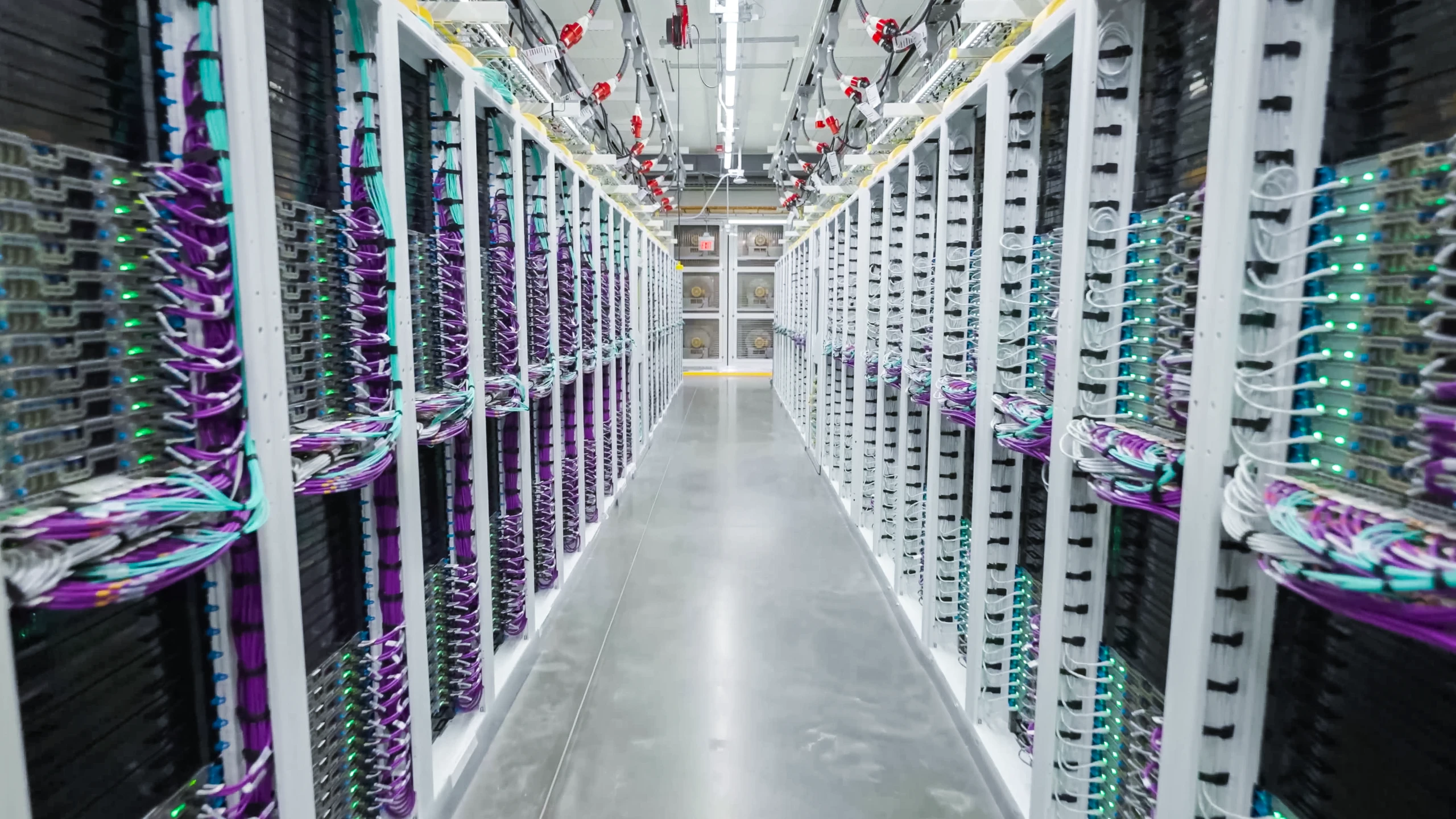
Azure continuously advances through new infrastructure generations, platform capabilities, services, and innovations that lead the industry in performance, security, reliability, and efficiency. Our Virtual Machine (VM) Lifecycle policy guides how we manage these transitions, giving Azure customers transparency, predictability, and guidance to plan for and execute technology changes with confidence. Our goal is to help every organization plan and navigate these modernization steps in line with Azure’s latest innovations and ongoing platform investments.
To give you access to the most advanced cloud and AI infrastructure, deployed on the most sophisticated silicon and hardware, the Azure Virtual Machine lifecycle is built around three customer outcomes:
- Transparency to easily understand the lifecycle status of Azure technologies, Microsoft’s level of ongoing investment, and the recommended path forward as new innovations become available.
- Predictability to plan against defined lifecycle stages, understand what to expect at each stage, and advance notice as technologies progress through their lifecycle.
- Guidance to help you modernize and adopt newer technologies rapidly and with confidence, along with AI-led tooling to accelerate workload transitions and recommendations.
This lifecycle provides a shared taxonomy, common stages, and consistent commitments for how we communicate technology evolution.
Azure General Purpose, Memory Optimized, Compute Optimized, and Storage Optimized VMs are the first VM families covered by this policy.
The lifecycle stages, spanning Current, Extended, End of Life, and Retired, are defined below, with dedicated Microsoft investment levels, regional and quota availability, applicable purchasing options, and pricing. The policy establishes clear lifecycle stages, expected customer experiences, and Microsoft’s commitments at each stage so customers can confidently plan, deploy, and modernize workloads over time.
| Azure Virtual Machine Lifecycle Policy | |
| Stage | Description |
| Current | Customer recommendation: Customers can confidently deploy new workloads, expand existing deployments, and optimize their Azure investments using VMs in the Current stage of the lifecycle. These VMs are specifically recommended for new deployments. Microsoft investment: During this stage, products receive standard maintenance and support. Availability: Current VM series are generally available to customers and have broad availability across Azure regions globally. Purchasing options and pricing: Pay-as-you-go pricing and Azure Savings Plans. Azure Reserved VM Instances may also be offered. |
| Extended | Customer recommendation: Azure VMs in the Extended stage remain supported for existing workloads; however, customers should begin evaluating and planning a transition to VMs in the Current stage. Microsoft investment: During this stage, products continue to receive standard maintenance and support. Availability: VMs in the Extended stage remain generally available across multiple regions. However, VMs in this stage may be subject to quota restrictions. Purchasing options and pricing: Pay-as-you-go pricing and Azure Savings Plans. Azure Reserved VM Instances may also be offered. Changes to purchasing options and pricing are possible. |
| End of Life | Customer recommendation: VMs enter the End of Life stage when their retirement is formally announced. These VMs are based on older platform generations and do not benefit from the latest advancements in performance, security, reliability, and efficiency. Customers should actively plan and transition the workloads to VMs in the Current or Extended stages. Microsoft investment: During this stage, products continue to receive standard maintenance and support. In addition, Azure will provide notifications, migration tooling, and guidance to help customers move to newer versions. Availability: VMs in the End of Life stage remain available to existing customers in currently supported regions and within their existing quota allocations, subject to available capacity. New deployments and quota requests are subject to restriction. Microsoft will deploy new workload placement capabilities for VMs in the End of Life stage. While customers may experience minor workload performance variations in rare scenarios, existing Azure Virtual Machines SLAs will be met. These capabilities allow Microsoft to improve capacity availability for VMs in the End of Life stage as well as help support continued investments in modern hardware, new capabilities, and global scale. Purchasing options and pricing: Pay-as-you-go pricing and Azure Savings Plans remain available, while Reserved Instances may no longer be offered. When VMs enter the End of Life stage, customers should expect changes to pricing and availability. |
| Retired | Customer recommendation: Retired VMs are no longer available and can no longer be provisioned. Customer modernization should be complete, with workloads now deployed to VMs in the Current or Extended stages. Microsoft investment: VMs in a Retired series are no longer covered by a service level agreement (SLA) and are not eligible for Microsoft support. Availability: New VM creation is no longer available, and existing VMs will be deallocated. Purchasing options and pricing: VMs in a retired series are no longer available for purchase. |
Note: Lifecycle details described in this policy represent general guidance and may be subject to product-specific, regional, or operational exceptions.
Platform experiences and tools to help simplify transitions
Microsoft is committed to helping you modernize your workload portfolio with the greatest possible speed, confidence, and simplicity. Azure Advisor and Azure Service Health give you clear insight into your subscriptions and resources—helping you discover upcoming VM retirements, identify affected resources, and track your modernization progress with recommended actions built in. Beyond this, Microsoft is investing in intelligent, AI-augmented tools designed to apply lifecycle guidance across your entire workload portfolio, further reducing friction as you modernize.
Microsoft is committed to helping you navigate these infrastructure transitions and take advantage of the next wave of innovation. As Azure continues to advance, our commitment is to make change predictable, transparent, and supported through clear lifecycle guidance, early visibility, and practical help to modernize with confidence. This policy is an important step toward making modernization easier to plan, simpler to execute, and more valuable for every Azure customer.
For more information about the Azure Virtual Machines lifecycle, visit the VM lifecycle overview page.
Azure Virtual Machines
Create and manage virtual machines