
Service issues are anything that could affect your availability, from outages and planned maintenance to service transitions and retirements. While rare—and getting rarer all the time, thanks to innovations in impactless maintenance and disciplines like site reliability engineering—service issues do occur, which is why service health alerting is such a critical part of successfully managing cloud operations. It’s all about helping your team understand the status and health of your environment so you can act quickly in the event of an issue. That can mean taking corrective measures like failing over to another region to keep your app running or simply communicating with your stakeholders so they know what’s going on.
In this blog, we’ll cover how you can develop an effective service health alerting strategy and then make it real with Azure Service Health alerts.
How Azure Service Health alerts work
Azure Service Health is a free Azure service that provides alerts and guidance when Azure service issues like outages and planned maintenance affect you. Azure Service Health is available in the portal as a dashboard where you can check active, upcoming, and past issues.
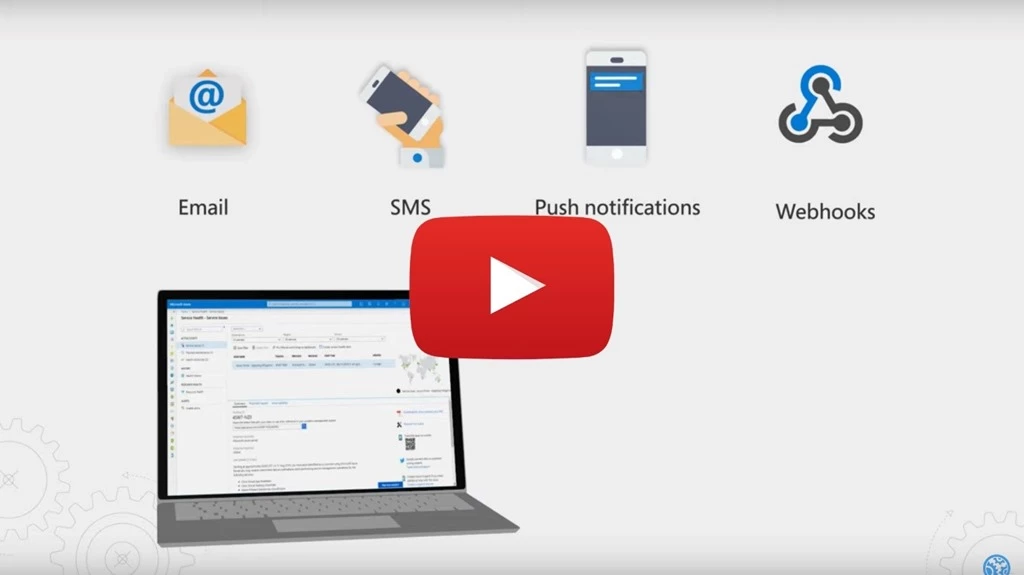
Of course you may not want to check the Azure Service Health dashboard regularly. That’s why Azure Service Health also offers alerts. Azure Service Health alerts automatically notify you via your preferred channel such as email, SMS, mobile push notification, webhook into your internal ticketing system like ServiceNow or PagerDuty, and more if there’s an issue affecting you.
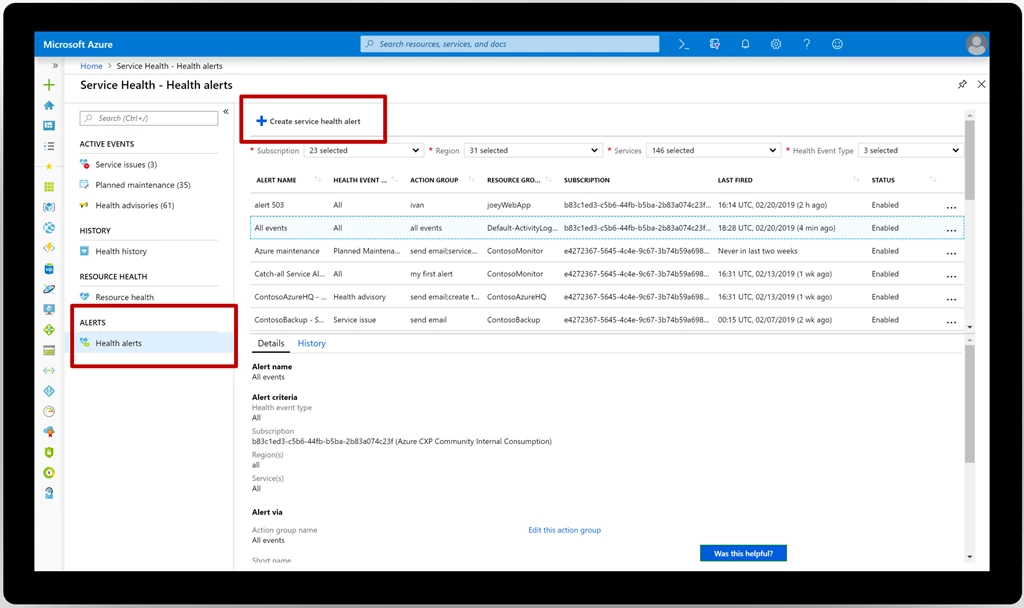
If you’re new to Azure Service Health alerts, you’ll notice that there are many choices to make during the configuration process. Who should I alert about which services and regions? Who should I alert for which types of health events? Outages? Planned maintenance? Health advisories? And what type of notification like email, SMS, push notification, webhook, or something else should I use?
To answer these questions the right way, you’ll need to have a conversation with your team and develop your service health alerting strategy.
How to develop your service health alerting strategy with your team
There are three key considerations for your team to address when you set up your Azure Service Health alerts.
First, think about criticality. How important is a given subscription, service, or region? If it’s production, you’ll want to set up an alert for it, but dev/testing might be unnecessary. Azure Service Health is personalized, so we won’t trigger your alert if the service issue affects a service or region you aren’t using.
Next, decide who to inform in the event of an issue. Who is the right person or team to tell about a service issue so they can act? For example, send Azure SQL or Azure Cosmos DB issues to your database team.
Finally, agree on how to inform that individual or team. What is the right communication channel for the message? Email is noisy, so it might take longer for your teams to respond. That’s fine for planned maintenance that’s weeks away, but not for an outage affecting you right now, in which case you’ll want to alert your on-call team using a channel that’s immediately seen, like a push notification or SMS. Or if you’re a larger or more mature organization, plug the alerts into your existing problem management system using a webhook/ITSM connection so you can follow your normal workflow.
For more information on Azure Service Health, how to set up alerts, and other critical guidance for handling service issues including, in some cases, avoiding their impact altogether, check out the video below:
Set up your Azure Service Health alerts today
Once you’ve had your Azure Service Health alerting conversation with your team and developed your strategy, configure your Azure Service Health alerts in the Azure Portal.
For more in-depth guidance, visit the Azure Service Health documentation. Let us know if you have a suggestion by submitting an idea via our feedback forum.






