As companies of all sizes move their assets and workloads to the cloud, there’s a clear need to provide more powerful ways to manage, govern, and automate their cloud resources. Such automation scenarios require custom logic best expressed in PowerShell. They are also typically executed either on a schedule or when an event happens like an alert on an application, a new resource getting created, or when an approval happens in an external system.
Azure Functions is a perfect match to address such scenarios as it provides an application development model based on triggers and bindings for accelerated development and serverless hosting of applications. PowerShell support in Functions has been a common request from customers, given its event-based capabilities.
Today, we are pleased to announce that we have brought the benefits of this model to automating operational tasks across Azure and on-premises systems with the preview release of PowerShell support in Azure Functions.
Companies all over the world have been using PowerShell to automate their cloud resources in their organization, as well as on-premises, for years. Most of these scenarios are based on events that happen on the infrastructure or application that must be immediately acted upon in order to meet service level agreements and time to recovery.
With the release of PowerShell support in Azure Functions, it is now possible to automate these operational tasks and take advantage of the native Azure integration to modernize the delivering and maintenance of services.
PowerShell support in Azure Functions is built on the 2.x runtime and uses PowerShell Core 6 so your automation can be developed on Windows, macOS, and Linux. It also integrates natively with Azure Application Insights to give full visibility into each function execution. Previously, Azure Functions had experimental PowerShell support in 1.x., and it is highly recommended that customers move their 1.x PowerShell functions to the latest runtime.
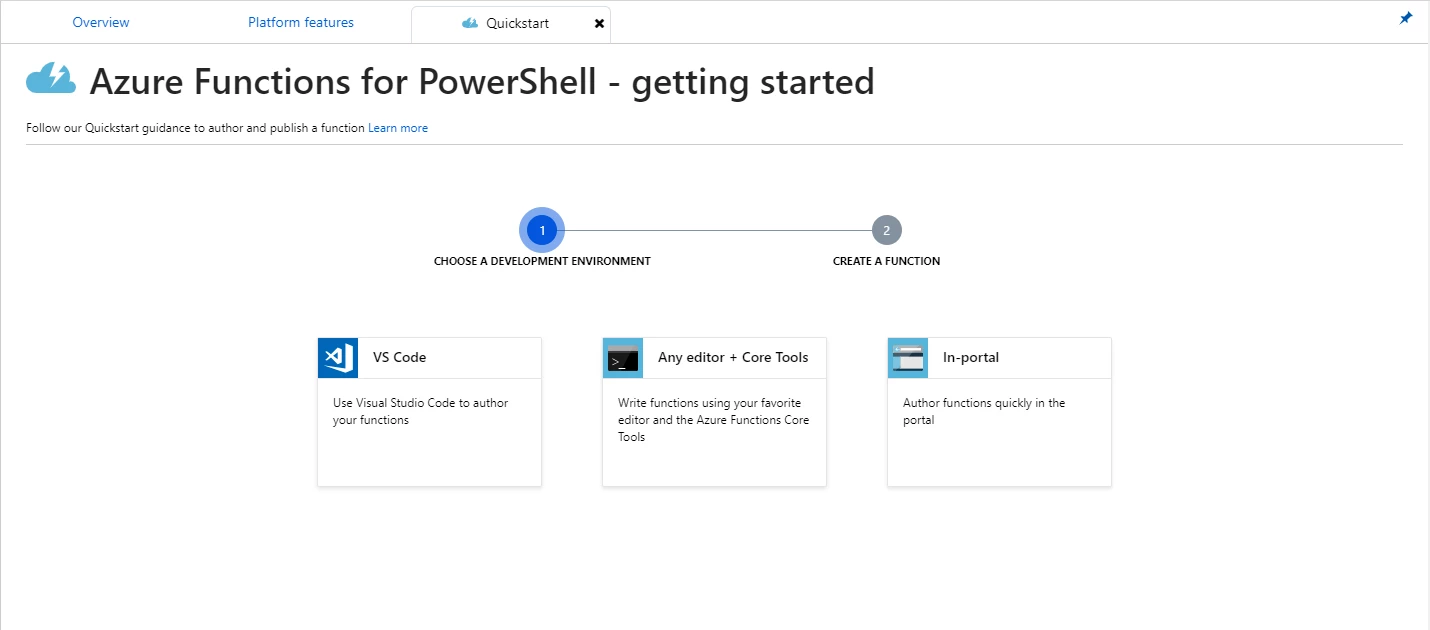
PowerShell in Azure Functions has all the benefits of other languages including:
- Native bindings to respond to Azure monitoring alerts, resource changes through Event Grid, HTTP or Timer triggers, and more.
- Portal and Visual Studio Code integration for authoring and testing of the scripts.
- Integrated security to protect HTTP triggered functions.
- Support for hybrid connections and VNet to help manage hybrid environments.
- Run in an isolated local environment.
Additionally, functions written with PowerShell have the following capabilities to make it easier to manage Azure resources through automation.
Automatic management of Azure modules
Azure modules are natively available for your scripts so you can manage services available in Azure without having to include these modules with each function created. Critical and security updates in these Az modules will be automatically upgraded by the service when new minor versions are released.
You can enable this feature through the host.json file by setting “Enabled” to true for managedDependency and updating Requirements.psd1 to include Az. These are automatically set when you create a new function app using PowerShell.
host.json
{
“version”: “2.0”,
“managedDependency”: {
“Enabled”: “true”
}
}
Requirements.psd1
@{
Az = ‘1.*’
}
Authenticating against Azure services
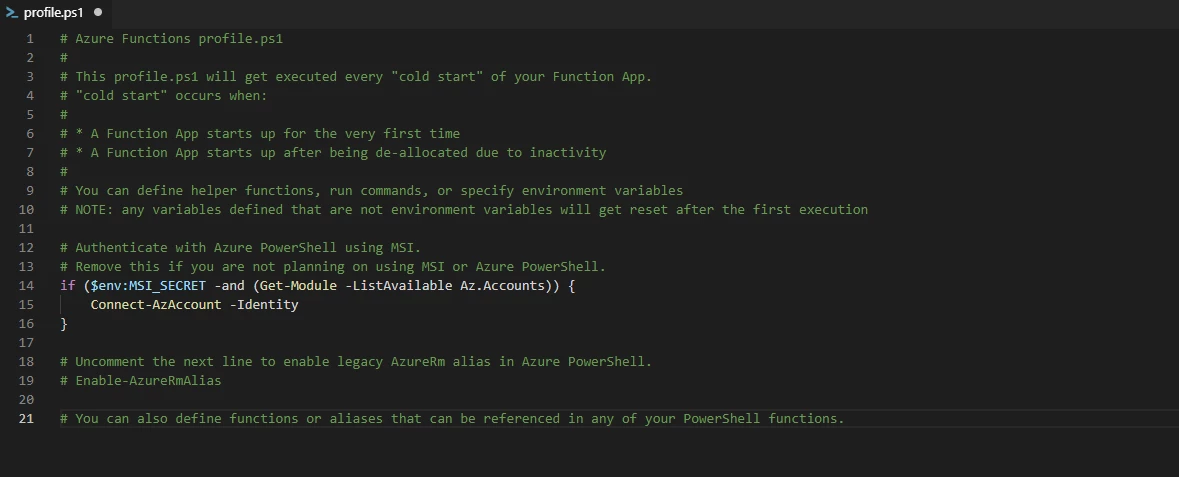
When enabling a managed identity for the function app, the PowerShell host can automatically authenticate using this identity, giving functions permission to take actions on services that the managed identity has been granted access. The profile.ps1 is processed when a function app is started and enables common commands to be executed. By default, if managed identify is enabled, the function application will authenticate with Connect-AzAccount -Identity.
Common automation scenarios in Azure
PowerShell is a great language for automating tasks, and with the availability in Azure Functions, customers can now seamless author event-based actions across all services and applications running in Azure. Below are some common scenarios:
- Integration with Azure Monitor to process alerts generated by Azure services.
- React to Azure events captured by Event Grid and apply operational requirements on resources.
- Leverage Logic Apps to connect to external systems like IT service management, DevOps, or monitoring systems while processing the payload with a PowerShell function.
- Perform scheduled operational tasks on virtual machines, SQL Server, Web Apps, and other Azure resources.
Next steps
PowerShell support in Azure Functions is available in preview today, check out the following resources and start trying it out:
- Learn more about using PowerShell in Azure Functions in the documentation, including quick starts and common samples to help get started.
- Sign up for an Azure free account if you don’t have one yet, and build your first function using PowerShell.
- You can reach the Azure Functions team on Twitter and on GitHub. For specific feedback on the PowerShell language, please review its Azure Functions GitHub repository.
- We also actively monitor StackOverflow and UserVoice, so feel free to ask questions or leave your suggestions. We look forward to hearing from you!
- Learn more about automation and PowerShell in Functions on Azure Friday and Microsoft Mechanics.