Without the right tools and approach, cloud optimization can be a time-consuming and difficult process. There is an ever growing list of best practices to follow, and it’s constantly in flux as your cloud workloads evolve. Add the challenges and emergencies you face on a day-to-day basis, and it’s easy to understand why it’s hard to be proactive about ensuring your cloud resources are running optimally.
Azure offers many ways to help ensure that you’re running your workloads optimally and getting the most out of your investment.
Three kinds of optimization: organizational, architectural, and tactical
One way to think about these is the altitude of advice and optimization offered: organizational, architectural, or tactical.
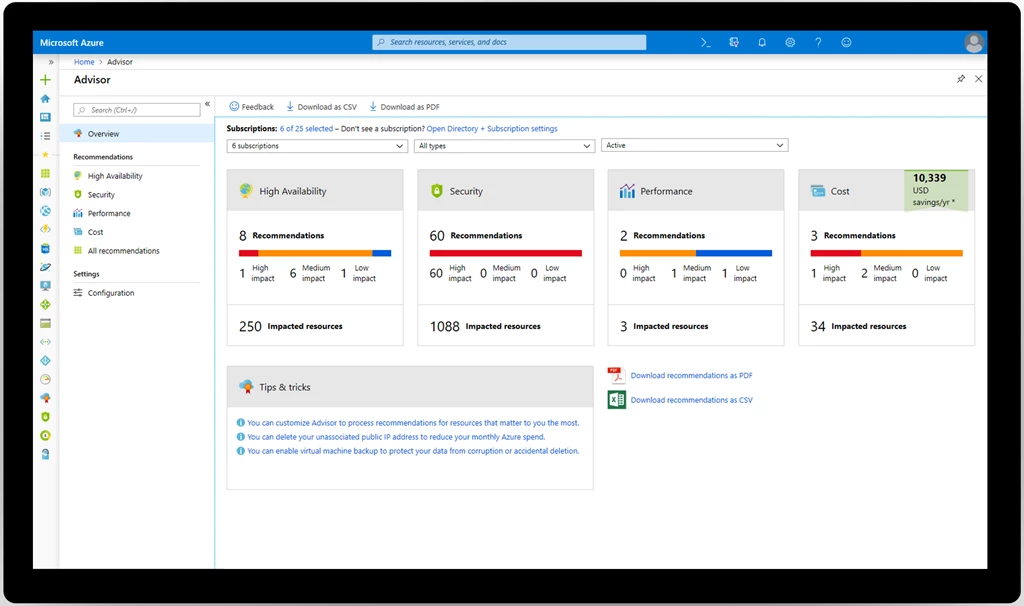
At the tactical or resource level, you have Azure Advisor, a free Azure service that helps you optimize your Azure resources for high availability, security, performance, and cost. Advisor scans your resource usage and configuration and provides over 100 personalized recommendations. Each recommendation includes inline actions to make remediating your cloud resource optimizations fast and easy.
At the other end of the spectrum is Azure Architecture Center, a collection of free guides created by Azure experts to help you understand organizational and architectural best practices and optimize your workloads. This guidance is especially useful when you’re designing a new workload for the cloud or migrating an existing workload from on-premises to the cloud.
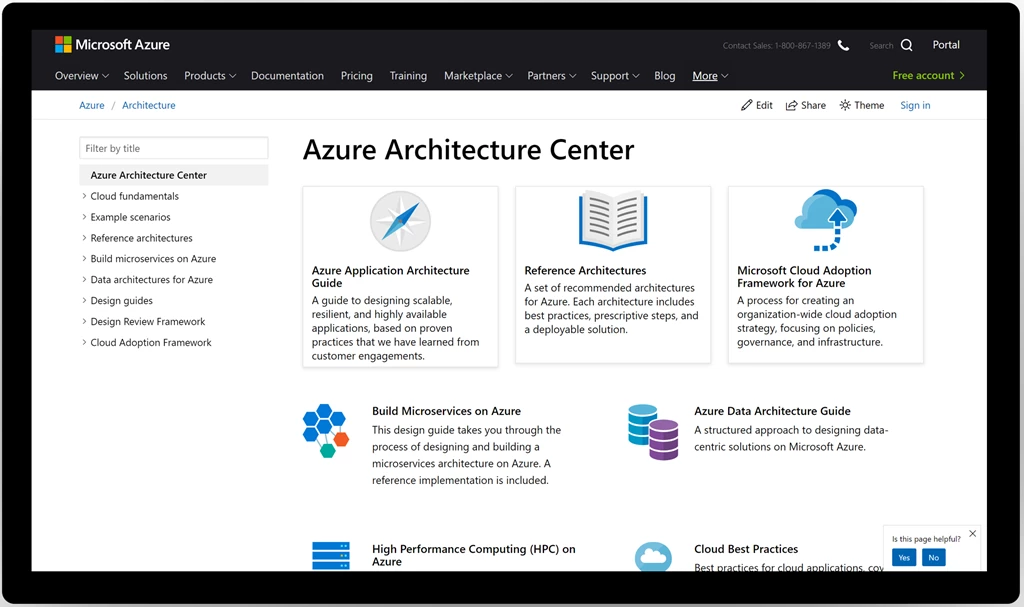
The guides in the Azure Architecture Center range from the Microsoft Cloud Adoption Framework for Azure, which can help guide your organization’s approach to cloud adoption and strategy, to Azure Reference Architectures, which provides recommended architectures and practices for common scenarios like AI, IoT, microservices, serverless, SAP, web apps, and more.
Start small, gain momentum
There are many ways to get started optimizing your Azure environment. You can align as an organization on your cloud adoption strategy, you can review your workload architecture against the reference architectures we provide, or you can open up Advisor and see which of your resources have best practice recommendations. Those are just a few examples, ultimately it’s a choice only you and your organization can make.
If your organization is like most, it helps to start small and gain momentum. We’ve seen many customers have success kicking off their optimization journey at the tactical or resource level, then the workload level, and ultimately working their way up to the organizational level, where you can consolidate what you’ve learned and implement policy.
Get started with Azure Advisor
When you visit Advisor, you’ll likely find many recommended actions you can take to optimize your environment. Our advice? Don’t get overwhelmed. Just get started. Scan the recommendations for opportunities that are the most meaningful to you and your organization. For some, that might be high availability considerations like VM backup, a common oversight in VM creation, especially when making the transition from dev/test to production. For others, it might be finding cost savings by looking at VMs that are being underutilized.
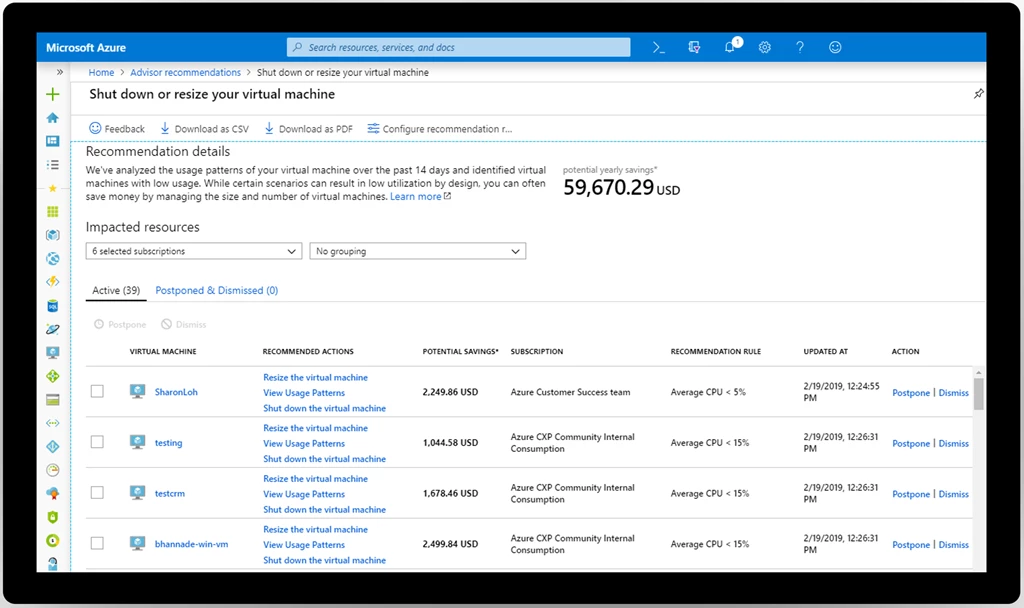
Once you’ve found a suitable recommendation, go ahead and remediate it as shown in this video. Optimization is an ongoing process and never really finished, but every step you take is a step in the right direction.
Visit Advisor in the Azure portal to get started reviewing and remediating your recommendations. For more in-depth guidance, visit the Azure Advisor documentation. Let us know if you have a suggestion for Advisor by submitting an idea in our feedback tool here.