
In this post let’s talk about the new Azure IoT Central device bridge. Whether you are using asset tracking devices hooked up to Sigfox’s Low Power Wide Area Network, or using air quality monitoring devices on the Particle Device Cloud, or using soil moisture monitoring devices on TTN, you can now directly leverage the power of IoT Central using the IoT Central device bridge. The device bridge connects other IoT clouds such as from Sigfox, Particle and The Things Network with IoT Central by forwarding the data your devices send to the other clouds through to your IoT Central app. In your IoT Central app, you can build rules and run analytics on that data, create workflows in Microsoft Flow and Azure Logic apps, export that data, and much more.
What is it and how does it work?
The IoT Central device bridge is an open source solution in Github. It is ready to go with a “Deploy to Azure” button that deploys a custom Azure Resource Manager (ARM) template with several Azure resources into your Azure subscription.
The resources include:
- Azure Function app
- Azure Storage account
- App Service plan (S1 tier)
- Azure Key Vault
The function app is the critical piece of the device bridge. It receives HTTP POST requests from other IoT platforms or any custom platforms via a simple webhook integration. We have provided examples that show how to connect to Sigfox, Particle, and TTN clouds. You can easily extend this solution to connect with your custom IoT cloud if your platform can send HTTP POST requests to your function app.
The function app transforms the data into a format accepted by IoT Central and forwards it along via DPS APIs.
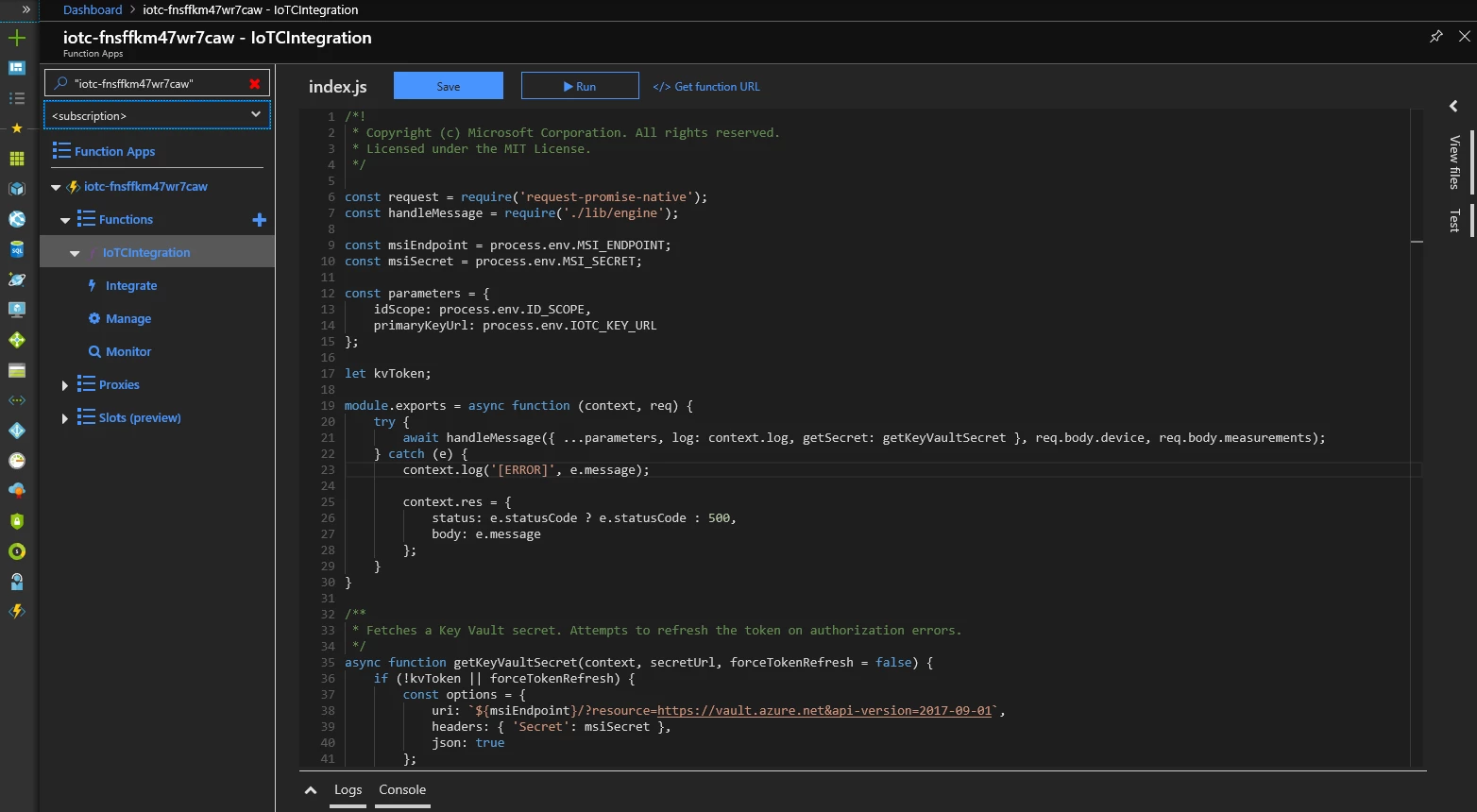
If your IoT Central app recognizes the device by device ID in the forwarded message, a new measurement will appear for that device. If the device ID has never been seen by your IoT Central app, your function app will attempt to register a new device with that device ID and it will appear as an “Unassociated device” in your IoT Central app.
How do I set it up?
The instructions are in a detailed list located in the README file on Github repo.
Next steps
Using the IoT Central device bridge is a simple and customizable way to forward messages from other IoT clouds to your IoT Central app. You can use this to quickly benefit from IoT Central with a pre-existing IoT solution that may already have a fleet of devices connected to it. The open source code can be found on this Github repo. Have feedback or questions? Don’t hesitate to write us at iotcfeedback@microsoft.com.
To explore the full set of features and capabilities start your free trial and learn more on the IoT Central website. Check out our documentation including tutorials to connect your first device.
To learn more about the Azure IoT portfolio including the latest news, visit the Microsoft Azure IoT page.






