Azure File Sync is now GA! Please learn more by reading our Azure blog post here!
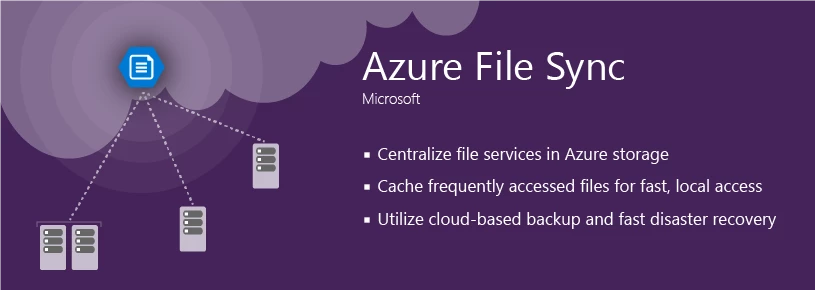
Extend your on-premises file servers to Azure Files with Azure File Sync
Since Azure Files became generally available, we’ve consistently heard from our customers that they want to embrace the power and flexibility of the cloud without giving up the locality of their on-premises file server. Today, we are excited to announce the preview of a great new feature in Azure Files that enables you to get the best of both the cloud and on-premises worlds: Azure File Sync.
Azure File Sync keeps your Azure File share in-sync with your on-premises Window Servers. The real magic of Azure File Sync is the ability to tier files between your on-premises file server and Azure Files. This enables you to keep only the newest and most recently accessed files locally without sacrificing the ability to see and access the entire namespace through seamless cloud recall. With Azure File Sync, you can effectively transform your Windows File Server into an on-premises tier of Azure Files.
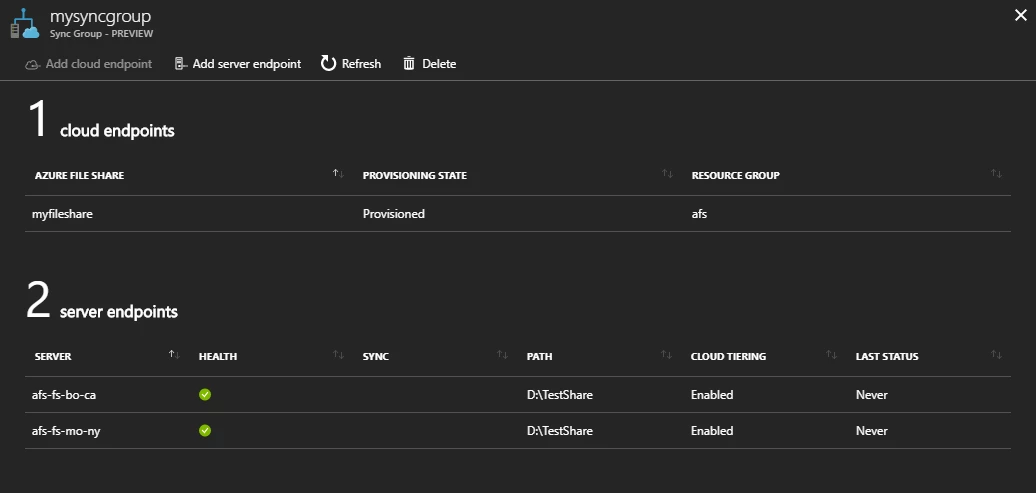
Since Azure File Sync is a multi-master sync solution, it makes it easy to solve global access problems introduced by having a single point of access on-premises, or in Azure by replicating data between Azure File shares and servers anywhere in the world. With Azure File Sync, we’ve introduced a very simple concept, the Sync Group, to help you manage the locations that should be kept in sync with each other. Every Sync Group has one cloud endpoint, which represents an Azure File share, and one or more server endpoints, which represents a path on a Windows Server. That’s it! Everything within a Sync Group will be automatically kept in sync!
Azure File Sync also helps you leverage Azure to get control over your on-premises data. Since cloud tiering moves old and infrequently accessed files to Azure, it effectively helps you make unpredictable storage growth predictable. When disasters strike, Azure File Sync can help. Simply set up a new Windows Server, install Azure File Sync, and the namespace is nearly instantly synced down as your cache is rebuilt.
Azure File Sync will be available, as a preview offering, this week (week of 9/25) – try it out! Please see our documentation for additional information about how to setup and configure Azure File Sync. If you are attending Ignite, come to our great sessions on Azure Files and Azure File Sync:
| Session | Time | Place |
| BRK2286: Microsoft Azure File Sync – seamlessly extend file services across servers and cloud |
Tuesday, September 26, 2017 10:45 AM – 12:00 PM ET | Hyatt Regency Windermere X |
| BRK2161: Maximize storage efficiency and conquer distributed file access with Windows Server and Azure Files |
Tuesday, September 26, 2017 12:30 PM – 1:45 PM ET | OCCC West Hall F2 |
| BRK2158: Windows Server Fall Release technical foundation |
Wednesday, September 27th 10:45 AM – 12:00 PM ET | OCCC West Hall E1 |
|
THR2015: Microsoft Azure File Sync – setup, configuration, and management |
Wednesday, September 27th 5:35 PM – 5:55 PM ET | TBD |