Azure Operator Service Manager PREVIEW
Simplify the deployment, upgrade, and management of complex operator services.
Orchestrate operator services across Azure and edge platforms
Azure Operator Service Manager transforms the operator service management experience into a modern cloud service. Simplify modeling with native Azure abstractions and ensure error-free operations using safe deployment practices. Consolidate multiple interfaces with support for Azure cloud and edge. Accelerate service deployments to take the lead in your market.

Abstract modeling of multiple-vendor services composed of network function software and configuration

Advanced service placement across geographically distributed Azure cloud and edge regions

Safe deployment practices, as part of a global convergence layer, to ensure error-free operations across many sites

Extensible edge agents, as part of a site convergence layer, to support vendors' various provisioning methods

Unify service orchestration
Azure Operator Service Manager reduces service orchestration complexity by consolidating software and configuration management tasks into a single set of end-to-end Azure operations. Compose and deploy services with innovative capabilities combined with flexible north- and southbound integration options for one true Azure service management interface.

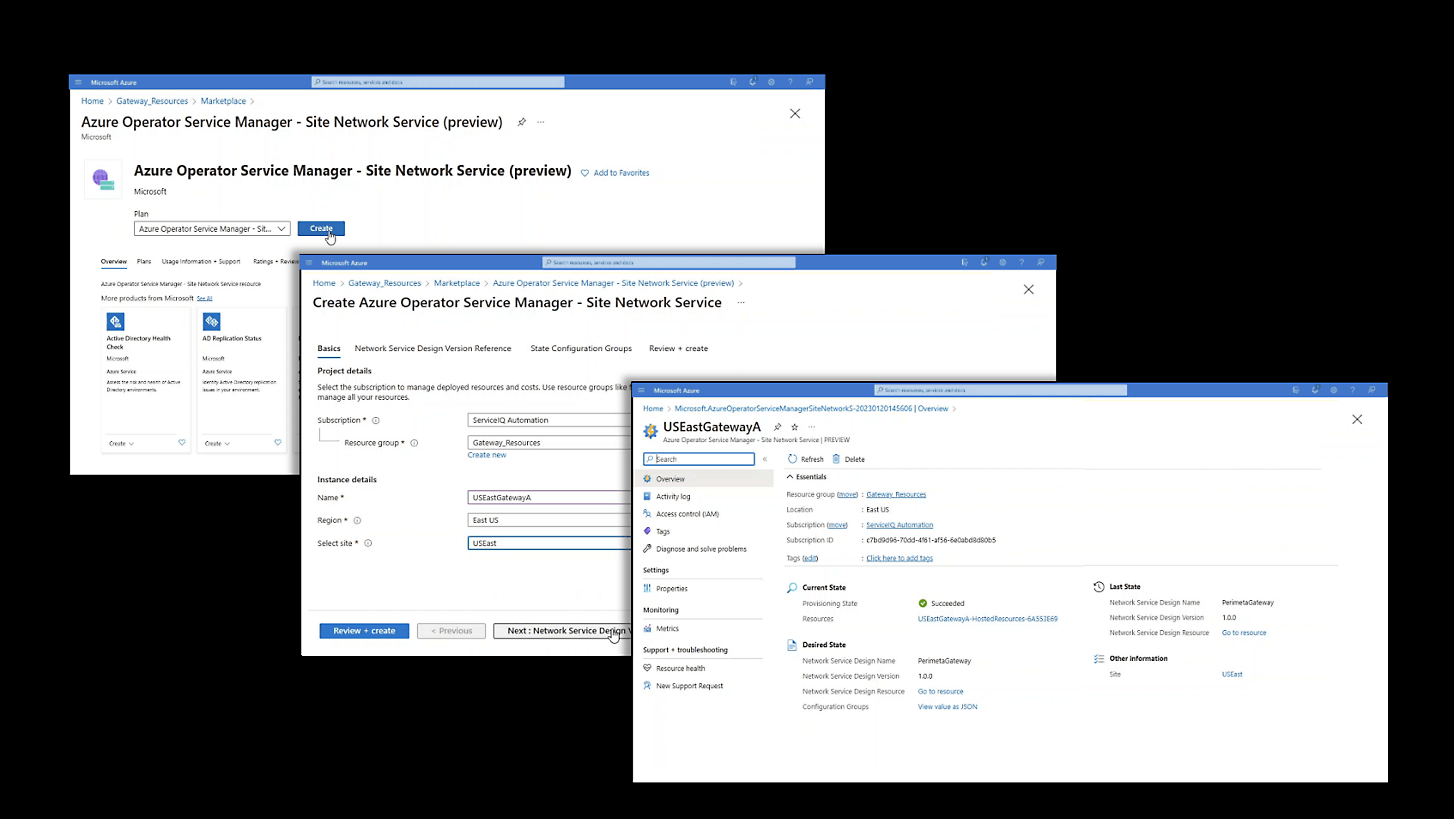

Reliably deploy network function software
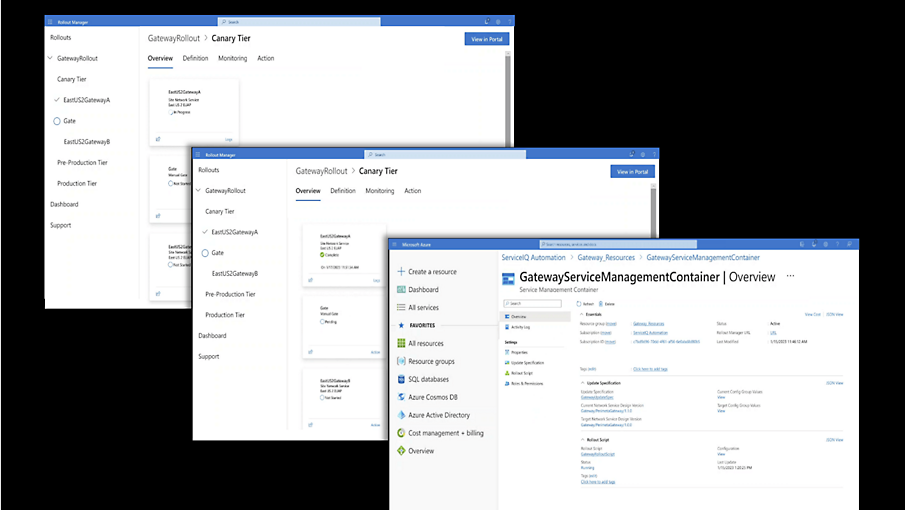
Reduce the impact of errors when executing fleet-wide software rollouts with safe-deployment practices. Use workflow actions like gates, delays, and sequence control to ensure the right task happens at the right time. When cancellations interrupt running operations, use rollbacks to revert. Blast radius graphs enable you to capture unexpected results, and disconnected mode allows operations even if a site becomes isolated.

Easily repeat network function configuration
Provision complex service configurations using roles and templates. First, a publisher onboards the basic service parameters. Next, a designer composes the service design, mapping service parameters into a template. Finally, an operator associates a template with site-specific values and requests convergence to deploy a service instance to one or many sites.
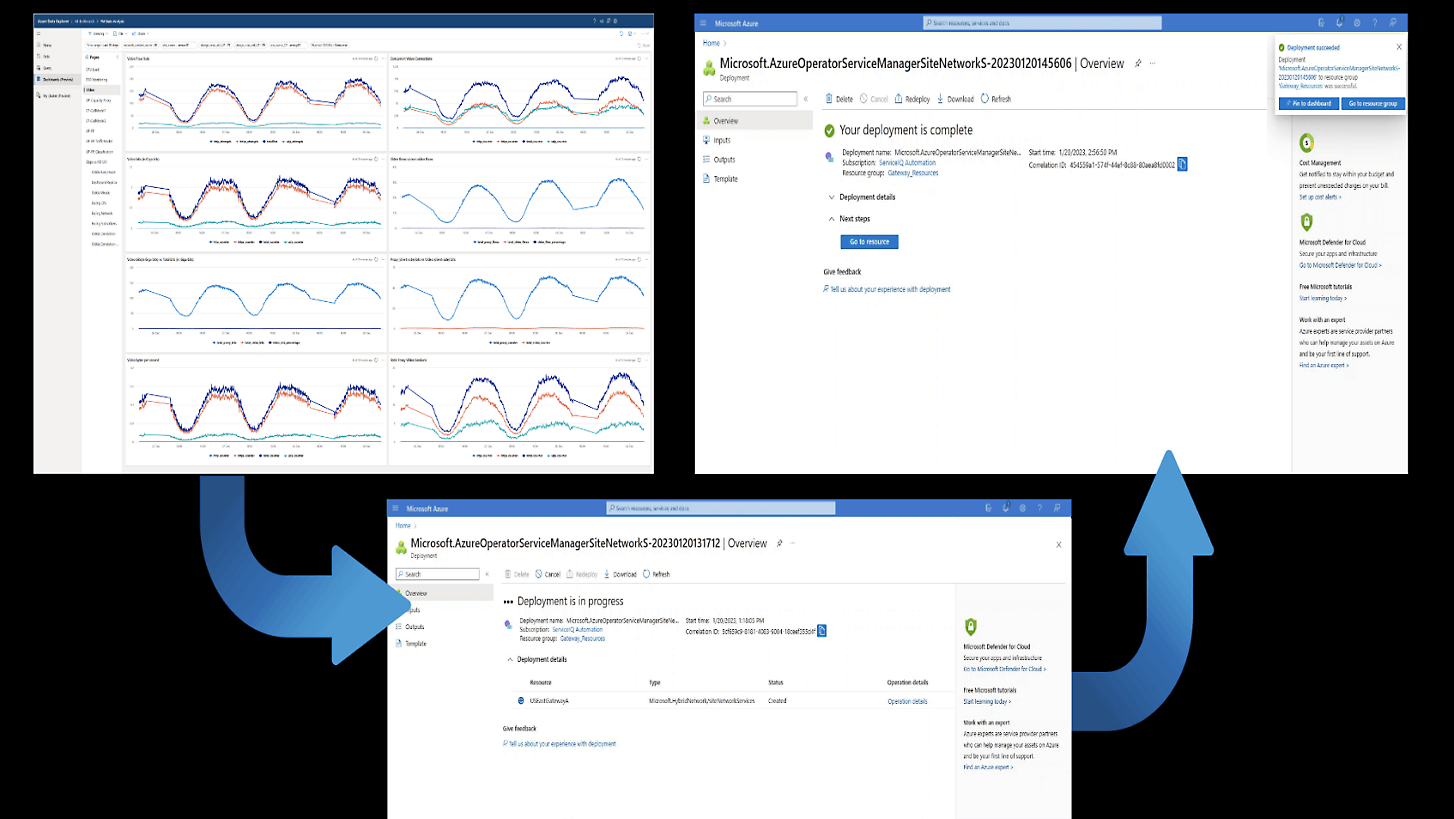

Use analytics for intelligent orchestration
Achieve zero-touch, closed-loop automation by coupling service orchestration with network analytics. Draw on insights built from network performance KPIs, subscriber data records, and real-time error logging to increase orchestration service awareness. Use this awareness to make intelligent decisions, such as whether a rollout was successful and to trigger an immediate action, such as a rollback.

Secure deployments with a hardened supply chain
Prevent actions by bad actors before they can negatively impact service with strict software image and service artifact supply chain policy compliance. Ensure what the publisher has onboarded is what the operator deploys, with sufficient background tracking for auditing and oversight.

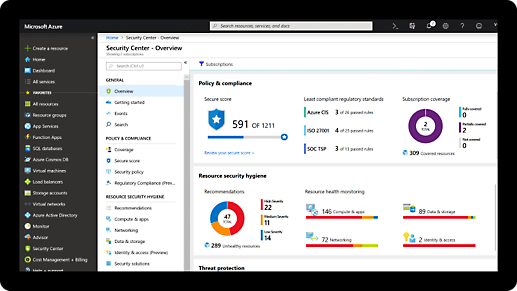
Comprehensive security and compliance, built in
-
Microsoft invests more than USD 1 billion annually on cybersecurity research and development.
-
We employ more than 3,500 security experts who are dedicated to data security and privacy.
-
Azure has more certifications than any other cloud provider. View the comprehensive list.

Azure Operator Service Manager pricing
Pricing will not be published during public preview. For questions about pricing, contact your account representative.
Get started with an Azure free account
1

Start free. Get USD 200 credit to use within 30 days. While you have your credit, get free amounts of many of our most popular services, plus free amounts of 55+ other services that are always free.
2

After your credit, move to pay as you go to keep building with the same free services. Pay only if you use more than your free monthly amounts.
3