
Azure Resource Manager templates
Deliver infrastructure as code for all your Azure resources using Resource Manager.
Define infrastructure as code to manage your Azure resources
Manage your Azure using a simple configuration language. Deploy your resources in parallel to speed up your deployment process. Create and update any Azure resource declaratively. Use one of many sample templates or build one from scratch using native tooling in Visual Studio or Visual Studio Code.

Declarative and repeatable creation of any Azure resource

Centralized management of your deployments

Deep integration with other Azure services, such as Azure Policy to remediate non-compliant resources and Azure DevOps for CI/CD

First-class authoring experience with Visual Studio and Visual Studio Code
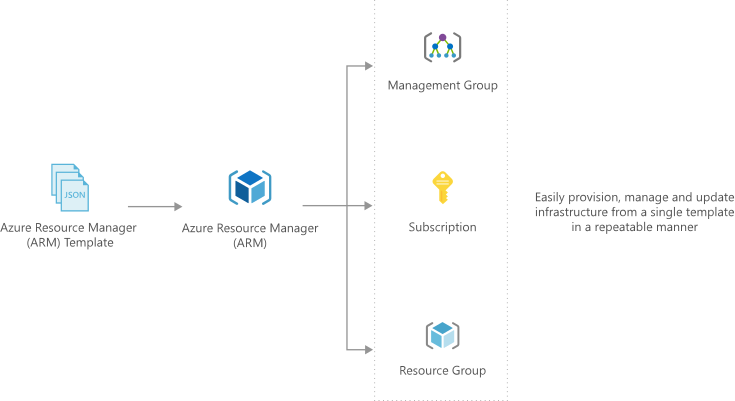
Create reproducible infrastructure
Create and deploy your entire Azure infrastructure declaratively using Resource Manager templates. Throughout your development lifecycle, repeatably and consistently deploy resources including virtual machines, network infrastructure, and storage systems.
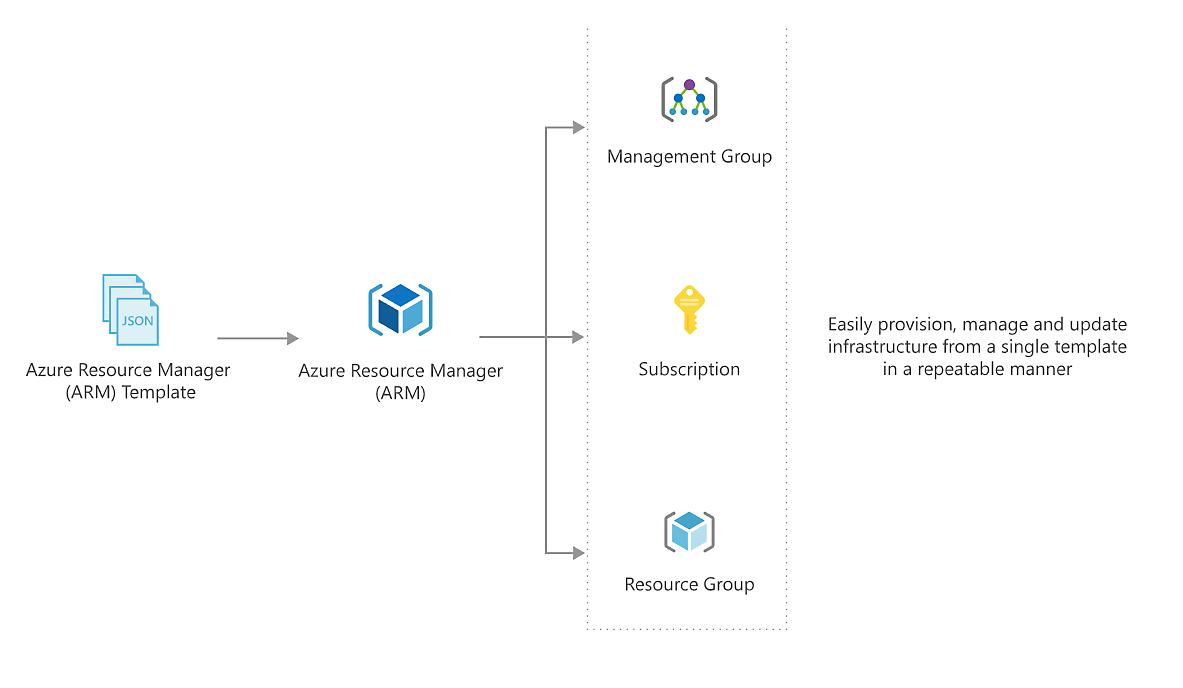
Author templates using your existing development tools and great community samples
Enhance your template development authoring experience by using the Visual Studio Code extension for Resource Manager. Use features like syntax highlighting for Resource Manager language functions, support for comments, and IntelliSense code completion to develop your own templates and build on top of community-built samples that offer a variety of infrastructure and application patterns.
Deploy using familiar tools
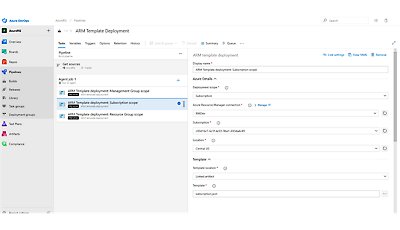
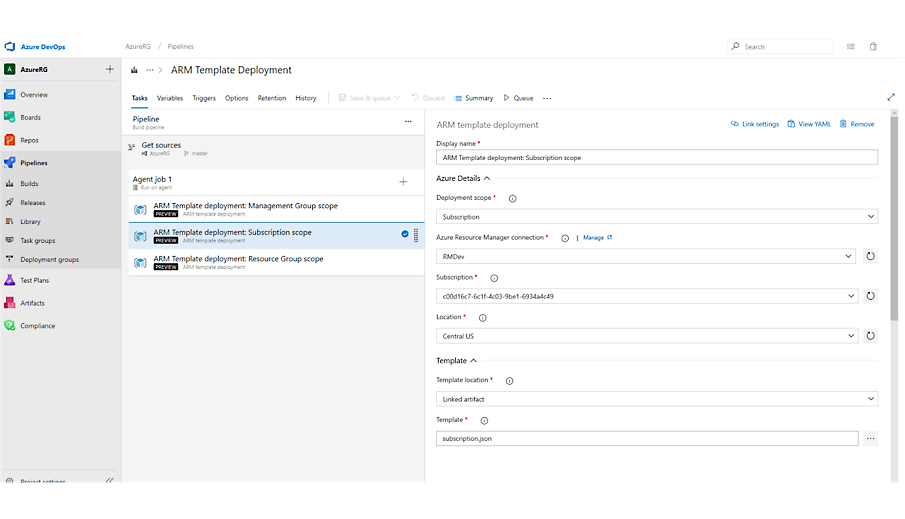
Iterate on your template deployments quickly by using REST APIs, CLI, or PowerShell. Integrate your deployment tasks with your DevOps pipelines for a CI/CD setup that can automate your deployments at scale.

Integrate with Azure platform features
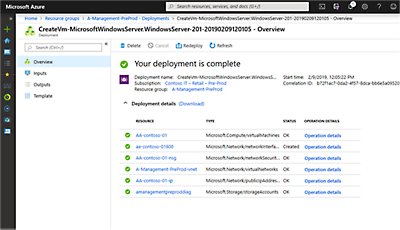
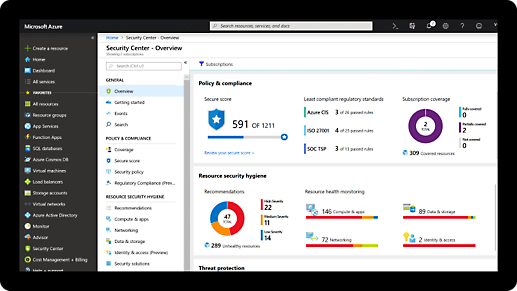
Review deployments in the Azure portal see which parameter values were used and any output values. Use Azure Policy to remediate non-compliant resources. Check templates into source control to review, trace, and audit your infrastructure. Create your environment by combining templates using Azure Blueprints.
Comprehensive security and compliance, built in
-
Microsoft invests more than USD 1 billion annually on cybersecurity research and development.

-
We employ more than 3,500 security experts who are dedicated to data security and privacy.
-
Azure has more certifications than any other cloud provider. View the comprehensive list.
Get started with an Azure free account
1

2

After your credit, move to pay as you go to keep building with the same free services. Pay only if you use more than your free monthly amounts.
3

Deploy using familiar tools
Deploy using the Azure CLI
Deploy using PowerShell
Use Azure PowerShell with Resource Manager templates to deploy your resources to Azure
Integrate with your favorite CI/CD tools
You can integrate templates into your continuous integration and continuous deployment (CI/CD) tools, which can automate your release pipelines for fast and reliable application and infrastructure updates
Frequently asked questions about Resource Manager templates
-
Because they’re native to the Azure platform, Resource Manager templates let you track your deployments in the portal, use deep integration with other Azure services, and provision any Azure resource as soon as it’s available.
-
Submit feedback to suggest new features and capabilities for Resource Manager.